Free kit
The Context File
Published
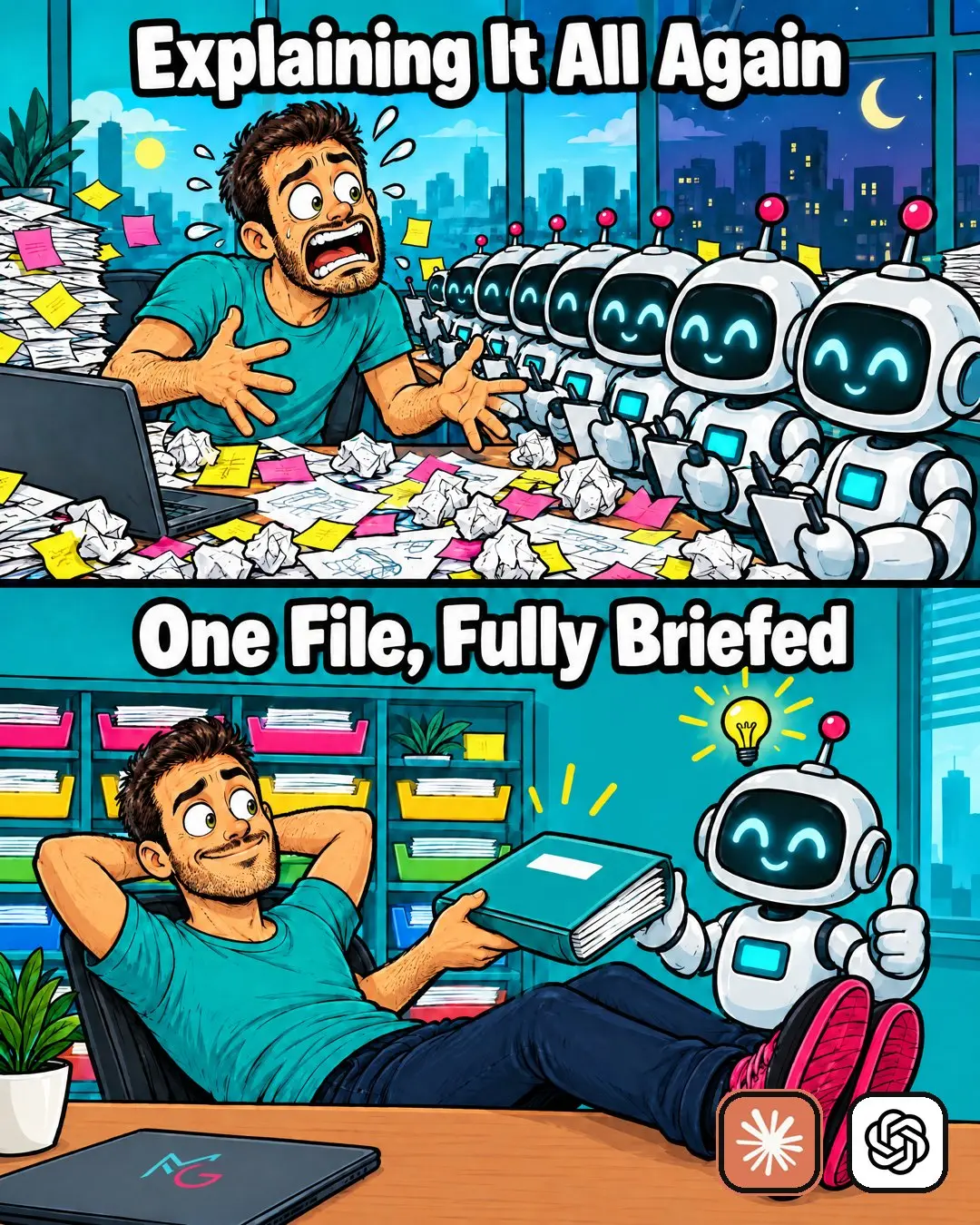
One file that briefs any AI on your product, so you stop re-explaining it every session. The template, a filled example, and the rule that settles it when two of your own rules disagree.
Want the kit?
Set up & use
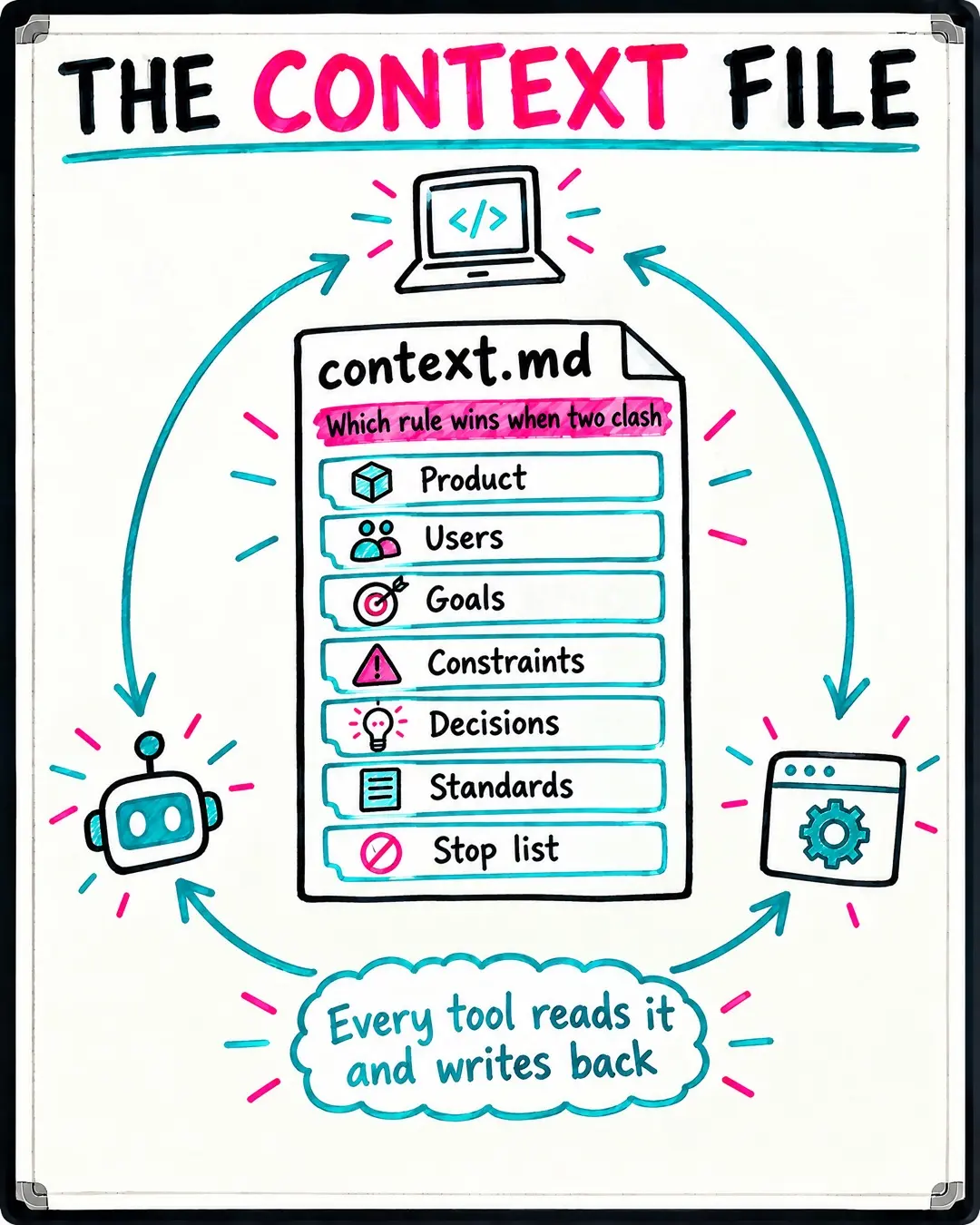
Seven sections that hold your product, your users, your goals, your constraints, your decisions, your standards, and your stop list. Three of them exist purely to settle arguments, and one line at the top says which rule wins when two of them clash. Every other tool here reads this file and writes back to it, so it gets better the more you work.
- 1
Download the ZIP and unzip it. You get the guide, a blank template, and a filled example.
- 2
Copy context-template.md into your project folder and fill it in. Twenty minutes gets you a first version, and it is meant to be rough.
- 3
Point your AI at it. In Claude Code or Cursor, name it CLAUDE.md at the folder root. In a chat window, paste it once at the start.
Questions people ask
- What is a context file?
- One file that briefs any AI on your product, so you stop re-explaining it every session.
- How long does it take to fill in?
- Twenty minutes gets you a first version, and it is meant to be rough. It gets better the more you work, because the other tools in the Vault read it and write back to it.
- Which tools does it work with?
- Claude Code, Claude Desktop, ChatGPT, Cursor and any AI chat. In Claude Code or Cursor, name it CLAUDE.md at the folder root. In a chat window, paste it once at the start.
- What happens when two of my own rules disagree?
- One line at the top of the file says which rule wins when two of them clash. Three of the seven sections exist only to settle arguments.